


How to Fit eSpares Miele GN Type Vacuum Cleaner Bags
It's important to make sure you change the bag in your Miele vacuum cleaner when necessary to keep your appliance working properly. If you're not sure how to do this, don't worry! Our following guide will run you through the process in no time.
Please note that this guide is for changing the bags in a Miele GN type vacuum cleaner. If you have a Miele FJM vacuum cleaner, head on over to our bag replacement guide for that type of vacuum instead.
About the eSpares Miele GN type vacuum cleaner bags
Before we begin the replacement, let's take a look at the bags themselves. These eSpares own brand vacuum bags are compatible with all Miele vacuum cleaners that take the GN type bags and filters. They feature a five-layer filtration system which helps to increase airflow, making them 50% more efficient than your standard vacuum cleaner bags. This also allows you to clean for significantly longer before you need to stop and change the bag.
The bags also include a flexible seal around the entrance to help ensure maximum airflow, as well as a flap to prevent dust from escaping when changing the bag. The bags come in boxes of five, which also include a filter set to keep your vacuum working as efficiently as possible.
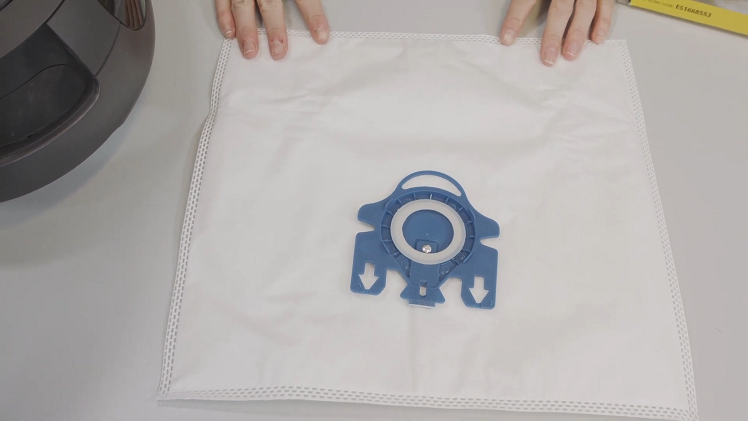
How to fit an eSpares Miele GN type vacuum cleaner bag step by step
Now let's begin! To learn how to fit an eSpares Miele GN type vacuum cleaner bag, simply follow the step by step article or watch the video below.
Safety first!
Make sure your vacuum cleaner is switched off and fully disconnected from the mains before starting the replacement.
Step 1: Open the cover
First, open the vacuum cleaner cover by pulling on the release hatch at the front to access the bag.
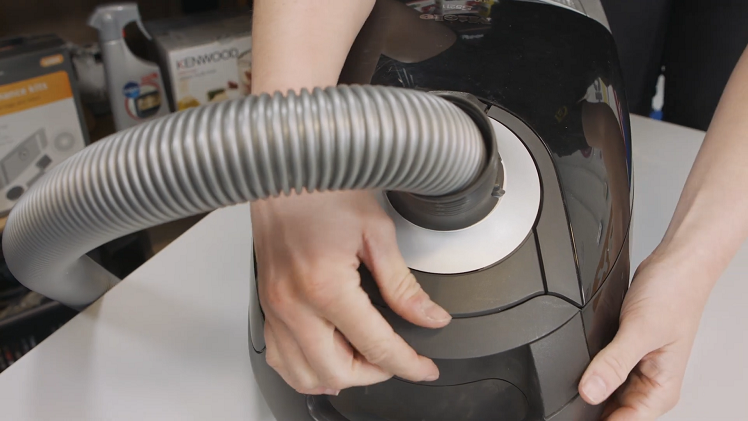
Step 2: Remove the old bag
Then, to remove the old bag, hold onto the bag holder mount with one hand and pull on the top seal handle with the other. The bag should unclip and come right out.
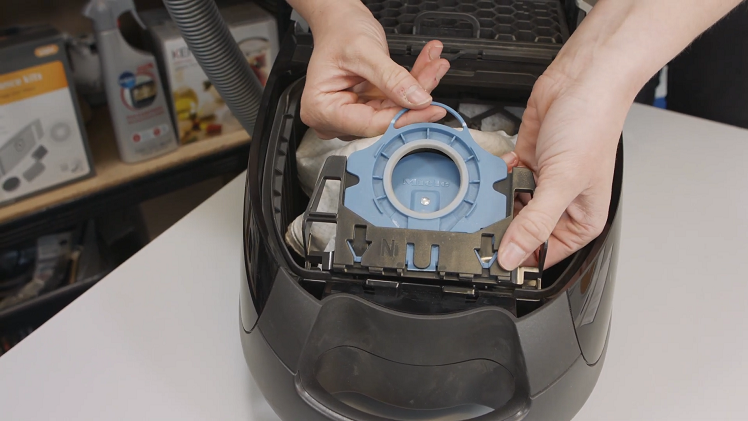
Step 3: Fit the new bag
To fit the new bag, slide the seal into the bag holder mount. Make sure the arrows are all lined up, then push down until you hear the seal click into place.
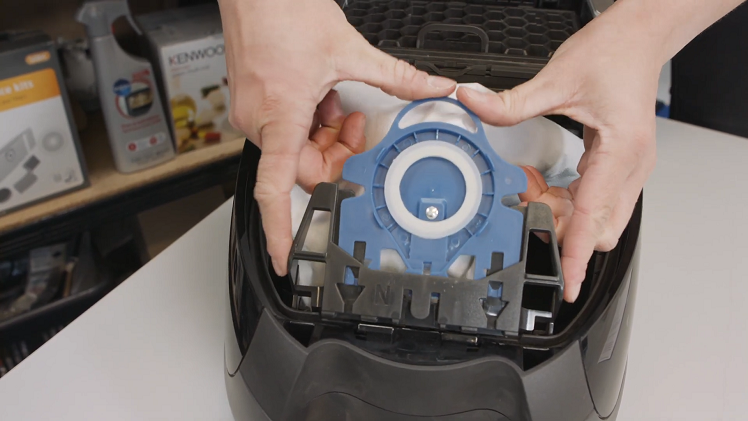
Step 4: Tuck in the bag
Finish by tucking the bag securely into the vacuum cleaner before closing the cover.
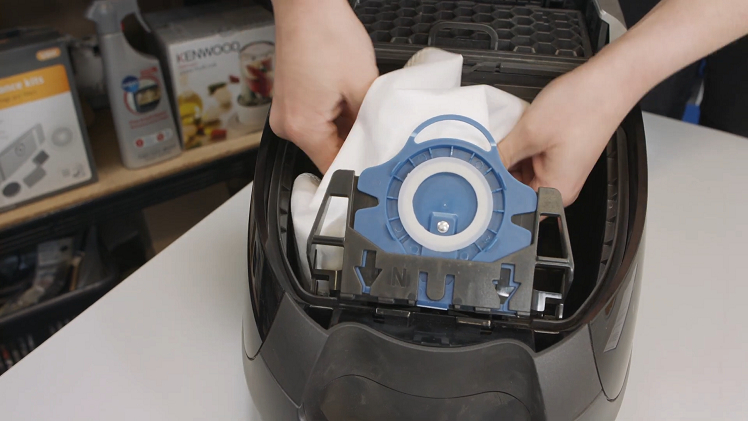
And there you have it! How to quickly and easily fit an eSpares Miele GN type vacuum cleaner bag. Your vacuum cleaner should now be ready for use once more.
How to fix a smelly vacuum
Changing your vacuum cleaner bag doesn't just keep your vacuum working properly, but it can also get rid of bad smells from the build-up of dust and dirt. However, if your vacuum cleaner continues to emit bad odours even after you've changed the bag, you're going to need to take a deeper look. Head on over to our article on how to fix a smelly vacuum to learn how to fix this for yourself.
Before you go, don't forget to subscribe to our mailing list below for more appliance maintenance articles, repair guides and all other things eSpares.


